Relevance
Complete, accurate details help Google understand what you offer and help customers see whether you fit their needs.
Audit → correct hours, categories, services and contact details
✨ AI-Powered Google Business Profile Management
Strengthen your local search presence and attract more potential customers. FightLite AI helps you improve your Google Business Profile with accurate business details, timely updates, and thoughtful review management.
For independent businesses and growing teams, with support tailored to your goals.
A nearby customer is deciding
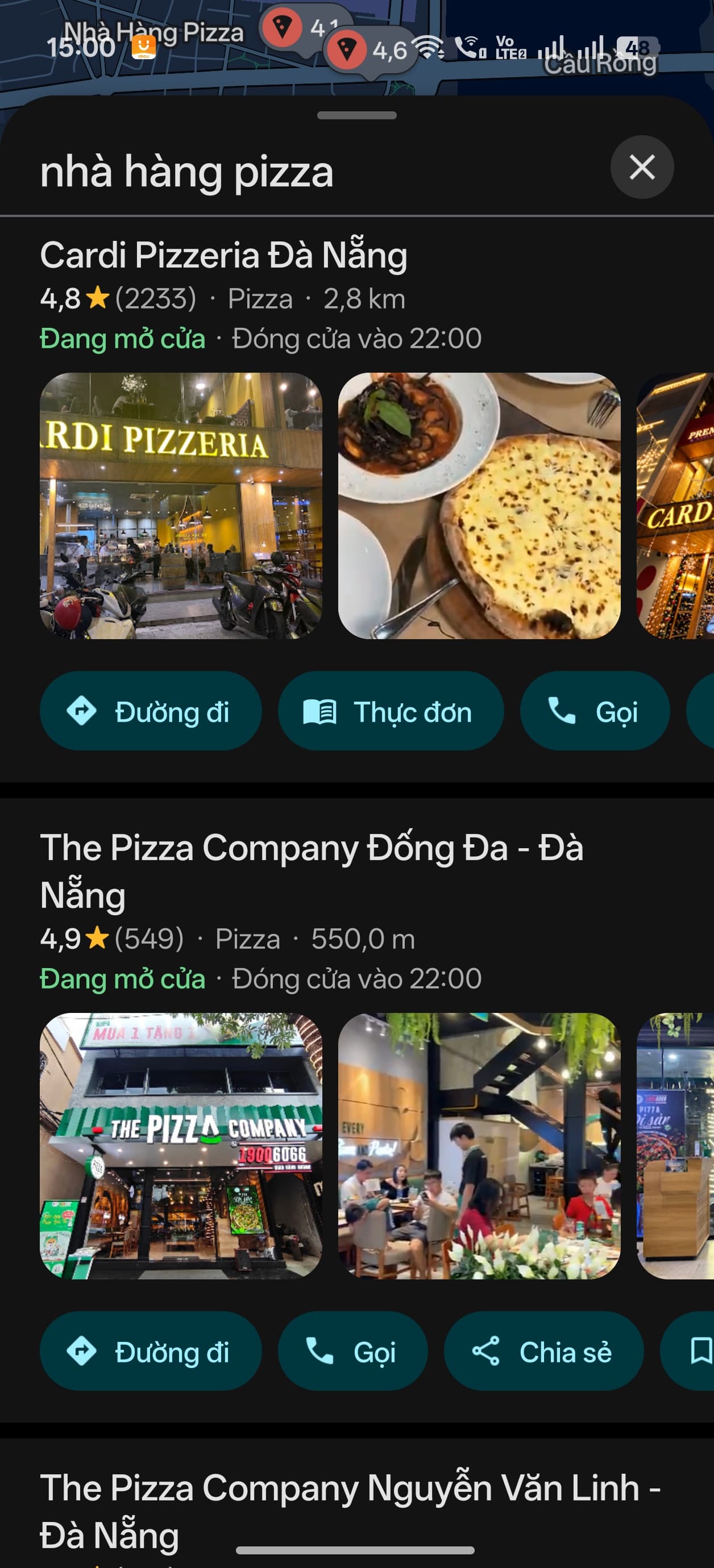
When someone searches nearby, Google considers relevance, distance and prominence. FightLite AI helps your team work on the profile information and customer feedback you can influence.
Complete, accurate details help Google understand what you offer and help customers see whether you fit their needs.
Audit → correct hours, categories, services and contact details
Reviews and positive ratings can help a business stand out. Helpful public replies also show customers that you listen.
Honest review invitations → useful replies → action on feedback
How far each business is from the customer who’s searching.
Distance depends on the searcher and the business location. We can’t control this factor.
Based on Google’s local ranking guidance
Start with the facts
We inspect available profile details, sampled reviews and nearby business context. The result is a prioritized snapshot your team can use to strengthen the listing.
Describe the services customers are actually searching for.
Add a clear description of what the business offers; this field is often missing.
Keep useful photos and ways to reach the branch current.
Example only. A real audit depends on the profile data available at the time.
Review the available evidence behind each observation.
Choose the details that matter most to customers at each location.
Your team approves changes and provides access where a Google connection is needed.
The business remains in control of its Google profile. An audit can begin with a public profile link; connected updates require the appropriate account setup.
Facebook → Google posts · in development
Many teams keep their Facebook Page fresh while their Google Business Profile goes quiet. This planned workflow uses an eligible public Page update as source material, adapts it for a Google post, and keeps the message consistent across both places.
The first rollout creates a draft for review. A later phase is planned to publish automatically when Google access, content rules and the branch’s settings allow it.
Ask about Google postsFacebook Page
Existing branch update
“Our seasonal menu is here this week. Visit us to see what is new.”
Google Business Profile
Adapted update
“Explore our seasonal menu at this branch this week. See the latest choices when you visit.”
Draft for review · first rolloutIllustrative workflow. Google reviews published posts for policy compliance. Read Google’s post guidance
Keep the conversation going
The QR link, AI-assisted reply and Zalo alert form one practical loop for each branch.
A location-specific QR design points customers to the branch’s Google review link. They decide whether to leave a review and can add photos if they choose.
No incentives or selective invitations.
“The team explained everything clearly.”
“Thank you for sharing this. We are glad the explanation helped. — The branch team”
AI can draft a short, relevant response in the review’s language when clear, using the branch’s configured tone and sign-off. Live posting depends on Google access and workflow setup.
Illustrative text; review samples are separate from live Google reviews.
A critical review needs attention at this branch. Review the concern and reply draft.
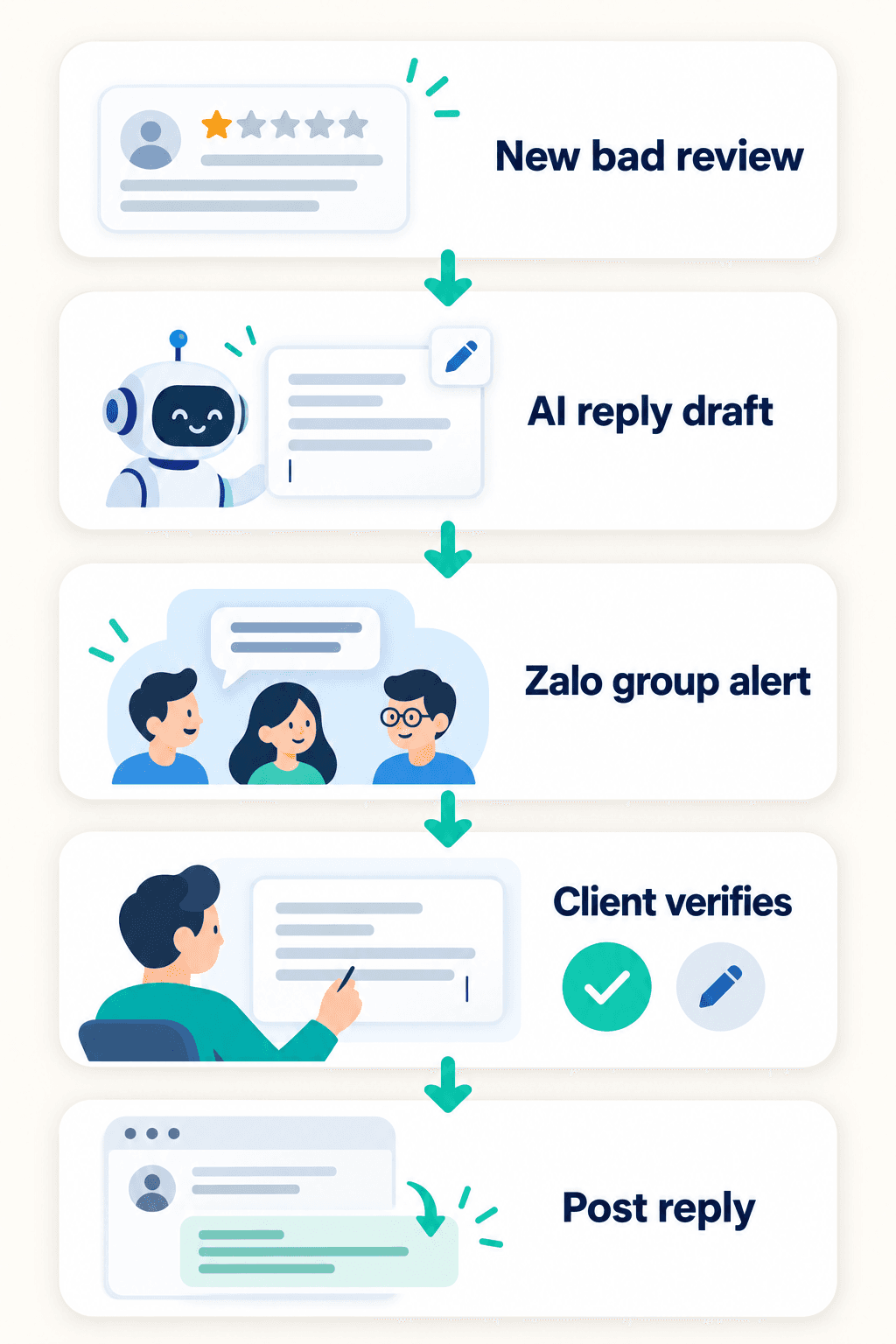
With live review access and a configured Zalo group, managers can be alerted to a 1–3-star review, investigate it, and review an AI draft before a reply is posted.
Critical replies require client review and approval.
Google recommends inviting genuine reviews and writing polite, specific, timely replies. Its guidance also calls for empathy and privacy when responding to negative feedback.
Explore the full processWhen monitoring and Zalo are set up, a new critical review alerts the manager or owner, who can investigate the issue and review an AI reply draft before it is posted.
Monitoring identifies a new low-rated review on the connected profile.
AI prepares a suggested reply as a draft.
The configured Zalo group receives a notice so the team can act quickly.
The manager or owner checks the concern and edits or approves the suggested reply.
The approved response is published to the Google review.
Use the parts that fit your locations, access and service setup.
Review key listing details such as hours, categories, photos, services and contact information.
Turn profile, sampled review and competitor observations into strengths, gaps and suggested next actions.
Draft relevant replies in the review’s language when clear, guided by each branch’s tone. Live posting requires Google access and setup.
Prepare Google post drafts for review. A Facebook Page source workflow is in development; a later phase is planned to support automatic publishing where enabled.
Review available rating, review and response metrics in a monthly report. Configured Zalo groups can receive a report notification.
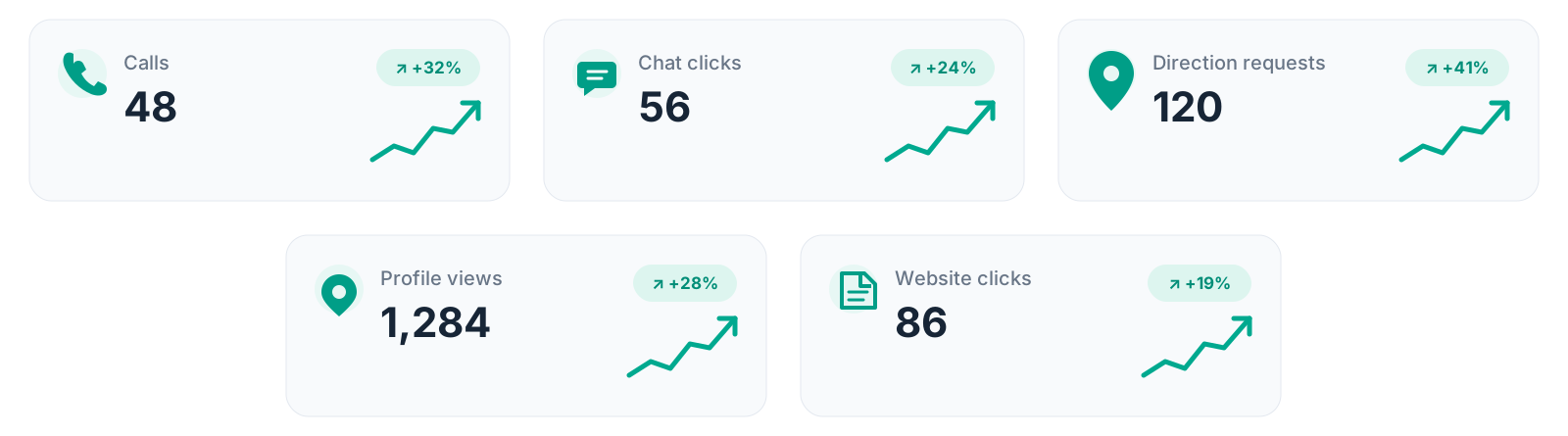
Track customer actions from your profile, including calls, chat clicks, direction requests, profile views and website clicks.
Create a location-specific QR design that points customers to the business profile review link. Reviews remain voluntary.
Compare nearby profile details and review signals captured during an audit. These are point-in-time observations, not continuous tracking.
Configured location groups can receive critical-review alerts and report notifications when the related workflows are enabled.
More than a profile view
A complete, inviting profile helps nearby customers understand what you offer and take the next step—call, ask for directions, visit your website or explore your business.
42
+28%
56
+19%
120
+34%
1,284
+22%
86
+17%
Sample figures for illustration only. Actual activity varies by business, location, customer demand and profile setup; improvements do not guarantee specific results.
Send your profile link and tell us what you want to improve. We’ll explain the next step.